
Processor CPU Cache – What does it do?

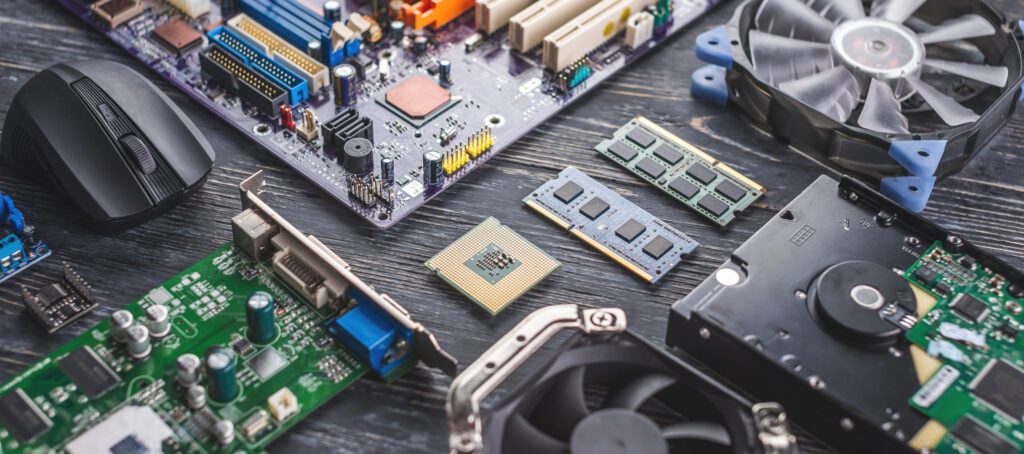
Processor CPU Cache and You.
🧠 How CPU Cache Affects Multitasking
When you multitask — dozens of browser tabs, Discord, Spotify, a game launcher, maybe a VM — your CPU is constantly switching between tasks.
Every time it switches, it needs to load:
- the program’s instructions
- the data it was working on
- the next steps to execute
If that data is already in the cache, the switch is nearly instant.
If it’s not, the CPU has to go to RAM… which is 10–100× slower.
So what does more cache do?
It lets the CPU keep more “active” tasks in its immediate memory, so switching between them is smoother and faster.
Real-world effects:
- Less stuttering when switching apps
- Faster tab changes in browsers
- Smoother background processes
- Better responsiveness under load
- Fewer micro-pauses when the system is “busy”
Why?
Because the CPU doesn’t have to “re-learn” what it was doing every time it returns to a task — the cache already has the data ready.
🎮 How CPU Cache Affects Gaming
Games are cache monsters. They constantly reuse the same types of data:
- physics calculations
- AI behavior
- player position
- enemy states
- rendering instructions
- asset lookup tables
- world simulation data
If the CPU can keep these in cache, the game runs smoother.
What happens when cache is too small?
The CPU has to fetch data from RAM more often, causing:
- micro-stutters
- inconsistent frame pacing
- lower minimum FPS
- delayed asset loading
- slower AI updates
This is why minimum FPS (the “smoothness” metric) often improves more from cache than from raw clock speed.
Why AMD 3D V‑Cache is such a big deal
Because it adds a massive amount of L3 cache (64–128 MB), which:
- keeps more game data close to the CPU
- reduces RAM trips
- stabilizes frame times
- boosts performance in CPU-heavy games
Games like Elden Ring, Starfield, and large open-world titles benefit the most because they reuse huge chunks of world data constantly.
Cache helps especially in:
- Open-world games
- Strategy games (lots of AI)
- Simulations
- MMOs
- Games with large draw distances
- Games with heavy physics
🧩 Quick analogy
Imagine gaming without enough cache like trying to play chess while the board is in another room.
With cache, the board is right in front of you.
🧭 Bottom line
Multitasking:
More cache = smoother app switching, fewer slowdowns, better responsiveness.
Gaming:
More cache = higher minimum FPS, fewer stutters, better performance in large or complex games.
Leave a Reply